so i been having this website open for quite some time on my browser and i found it pretty interesting so I'm going to post up the information here... Every now and again i like to bring out the old game consoles and play around and Gamecube happens to be one of my favorites...
pulled from: http://ramblings.narrabilis.com/howto-g ... o-gamecube
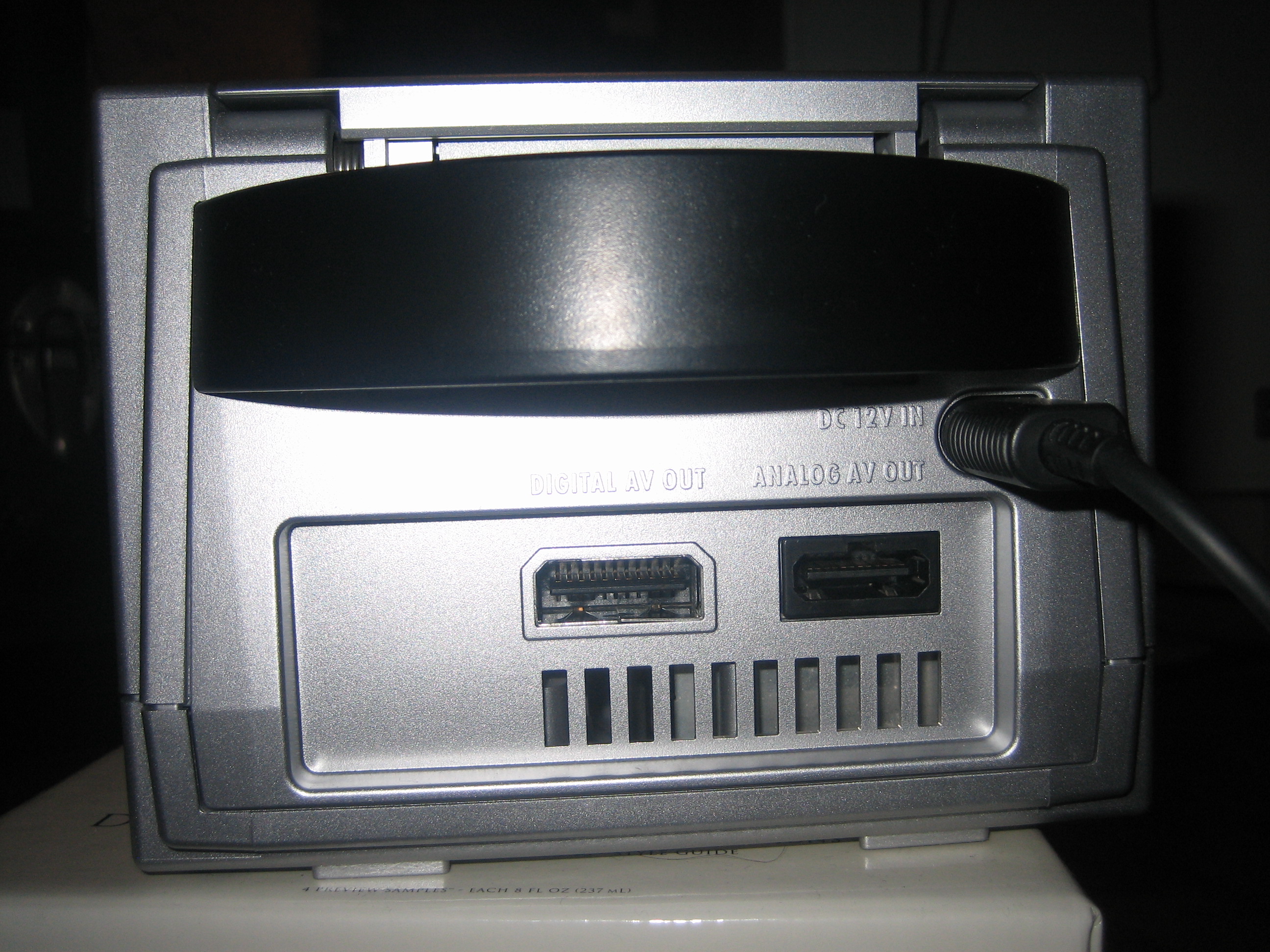
Digital AV Out
To watch Gamecube games in progressive scan, you need to have a gamecube with digital out. Since 2004, Nintendo took the digital port off the gamecube. You can get your gamecube replaced with a model with the port directly from Nintendo.
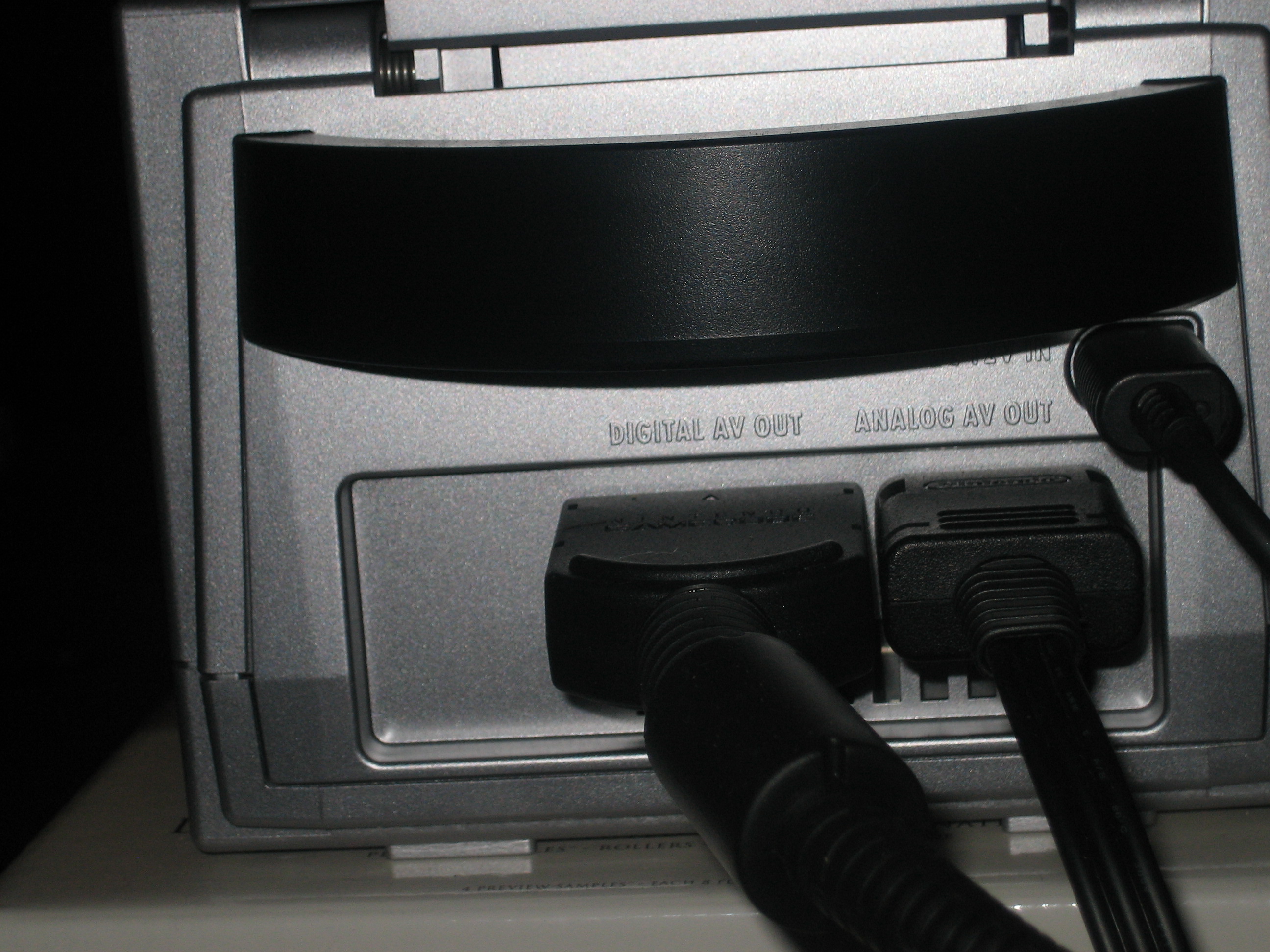
Component Cable
Next you need the component cable. The cable is no longer available from Nintendo. You can get the cable directly from Nintendo, but they do tend to sell out quickly. There is a lot of people selling this cable on ebay for amazing profit, the retail from Nintendo is $29.95.
For all you out there who are thinking of making a cable yourself now that Nintendo has stopped, please read this. My page on the component cable and another on dismantling the gamecube.
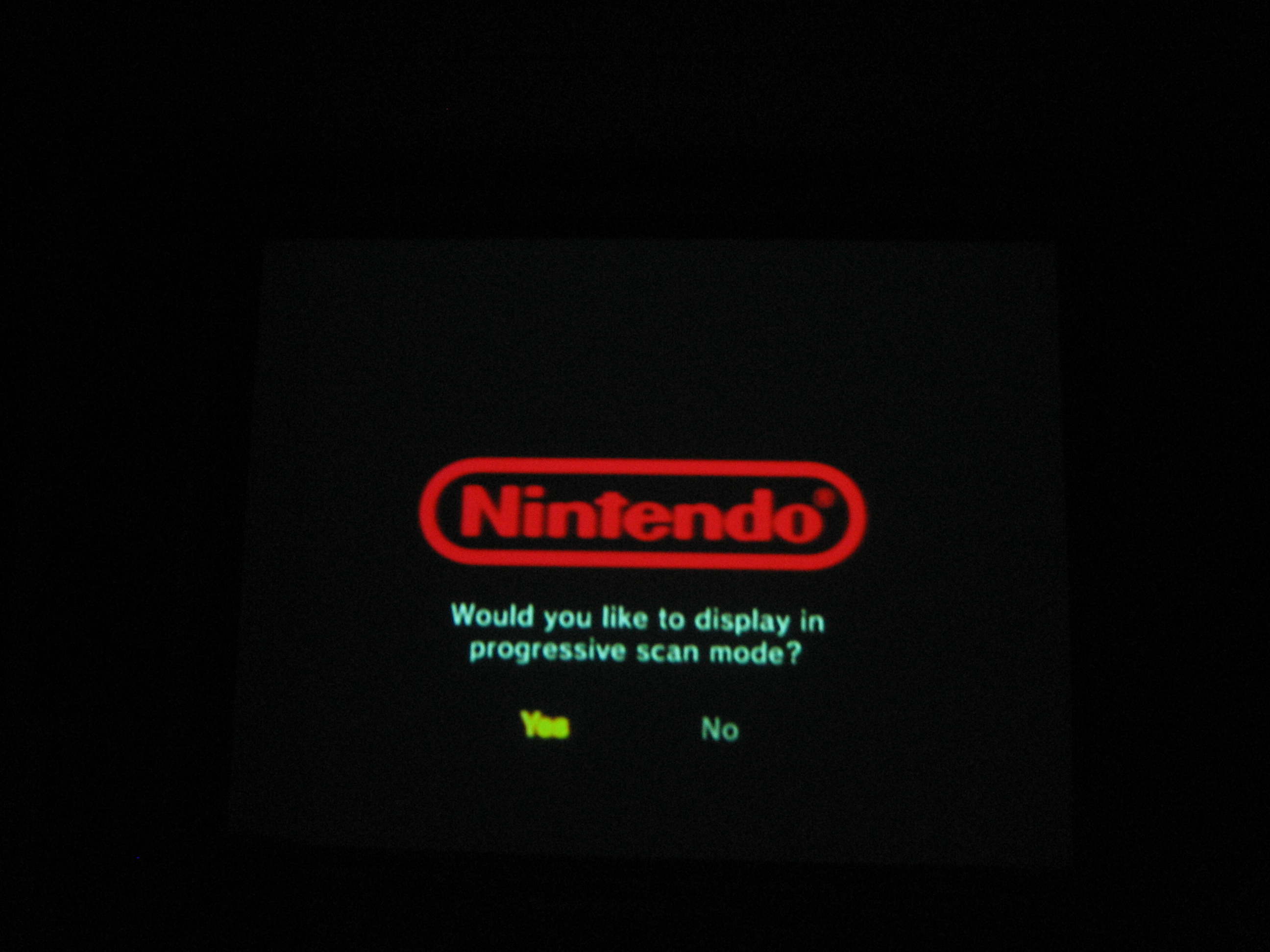
Turn on Progressive Scan
Now with all the cables connected (note, that the component cable is only for video, you still need the analog cable for audio), turn on your gamecube and hold down the 'B' button while booting to turn on progressive scan mode. . You will see a confirmation dialog (note that the composite video continues to work until you confirm that you wish to use progressive scan). . Click the 'A' button to confirm that you wish to use progressive scan mode. Not all games support progressive scan (why? why not, what possibly extra work could it be? It's probably just a compile time option, what's the point in not including it). The flagship games all seem to have it. Sonic 3d has it, and Metroid.

Comparison of composite to progressive scan
Here is the difference in output from my projector (note, it's pretty difficult to take good pics, it's much better live than these pics can show
 ).
).composite

progressive scan/component

composite
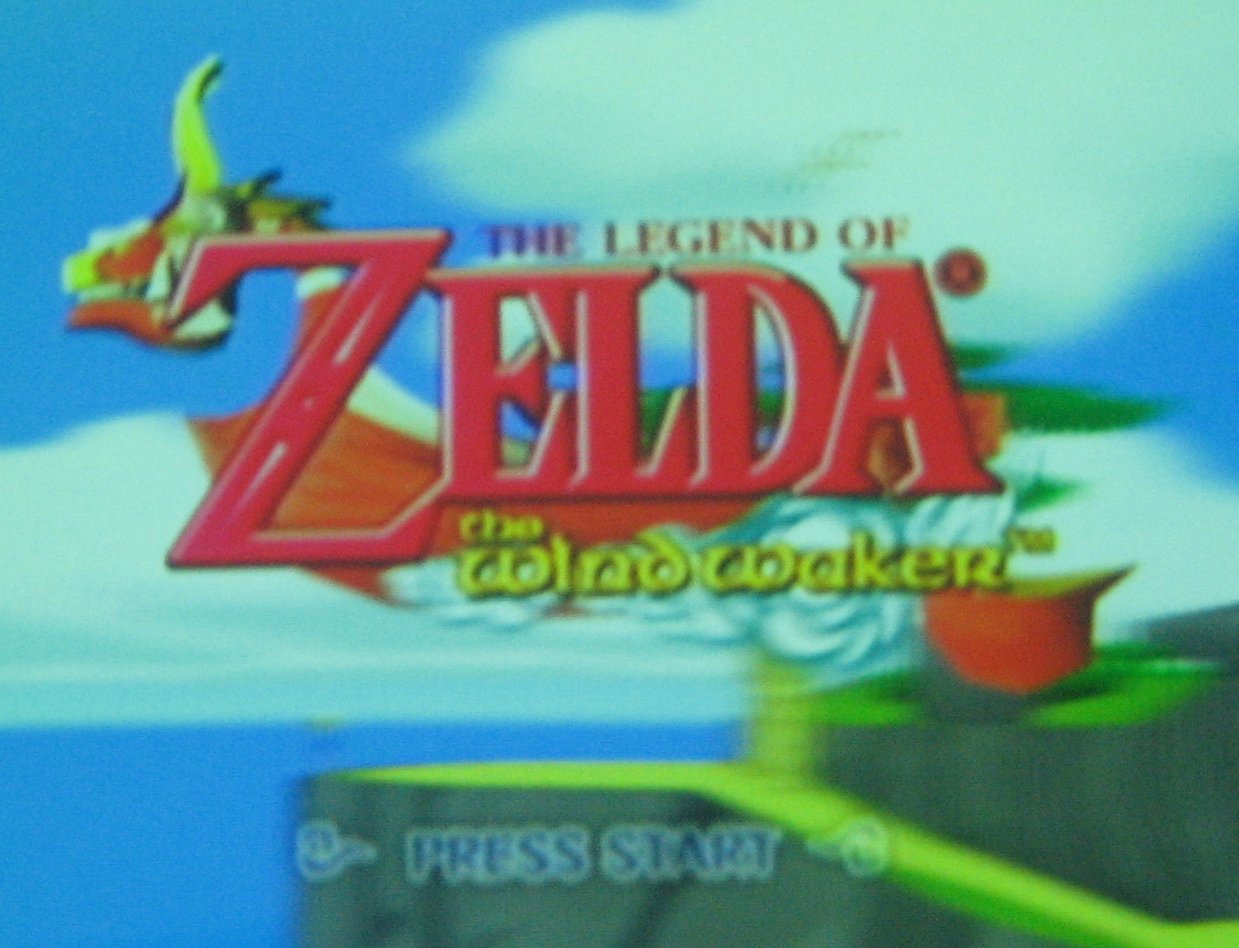
progressive scan/component

So yes, a gamecube can do progressive scan, and yes the picture is much much much better. And no, the composite are not out of focus, that's just what composite looks like on a 100" screen. Although, working out the holding down 'B' part could drive you nuts and make you do insane things.